iDevelopment LLC makes SwiftUI apps that belong on Apple devices. Meet FlowBuild — a native SwiftUI Agentic Development Environment tuned for Grok Build and Apple Intelligence.
A native SwiftUI Agentic Development Environment tuned for Grok Build and Apple Intelligence. Share this page →
Native ADE for Grok Build
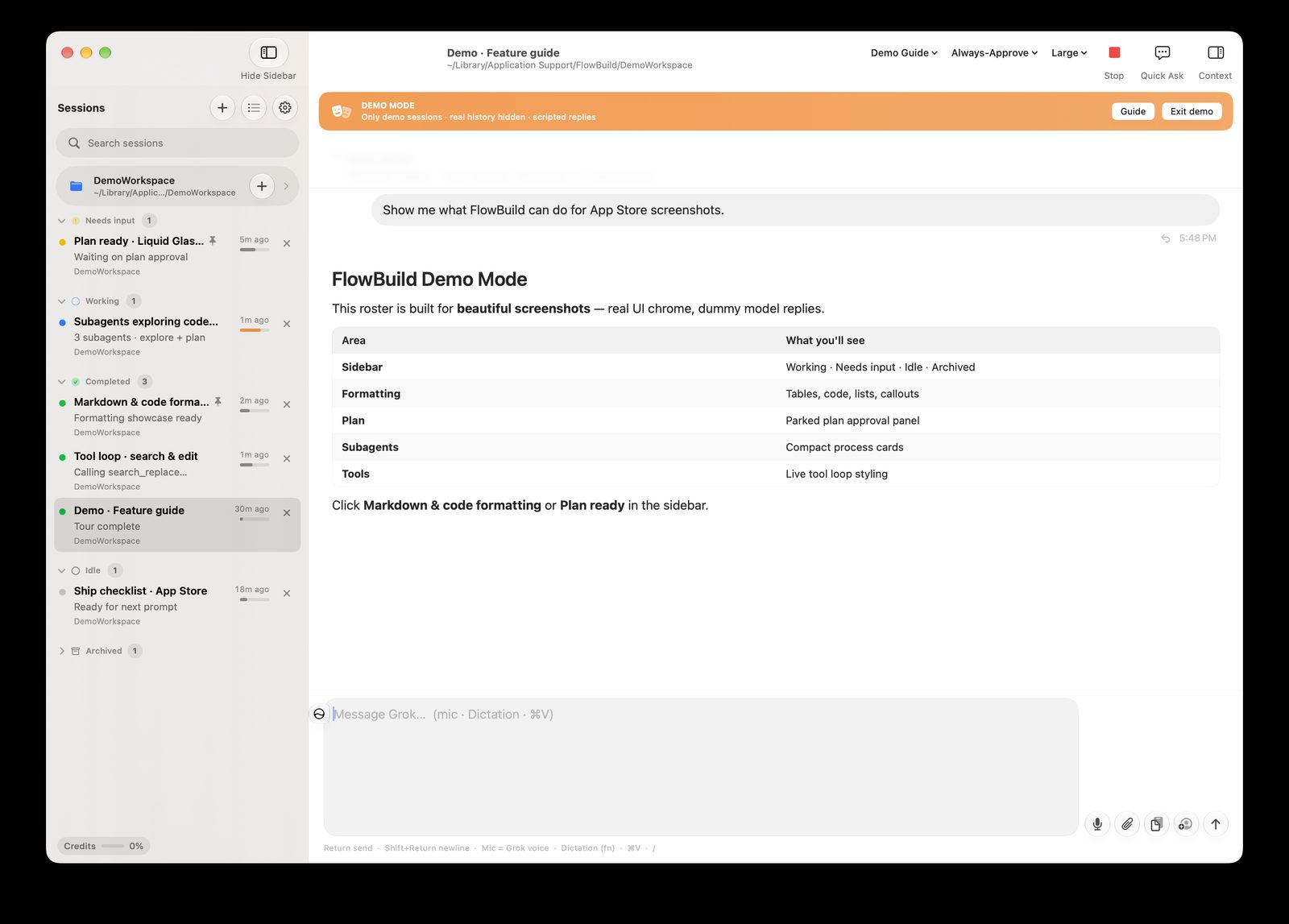
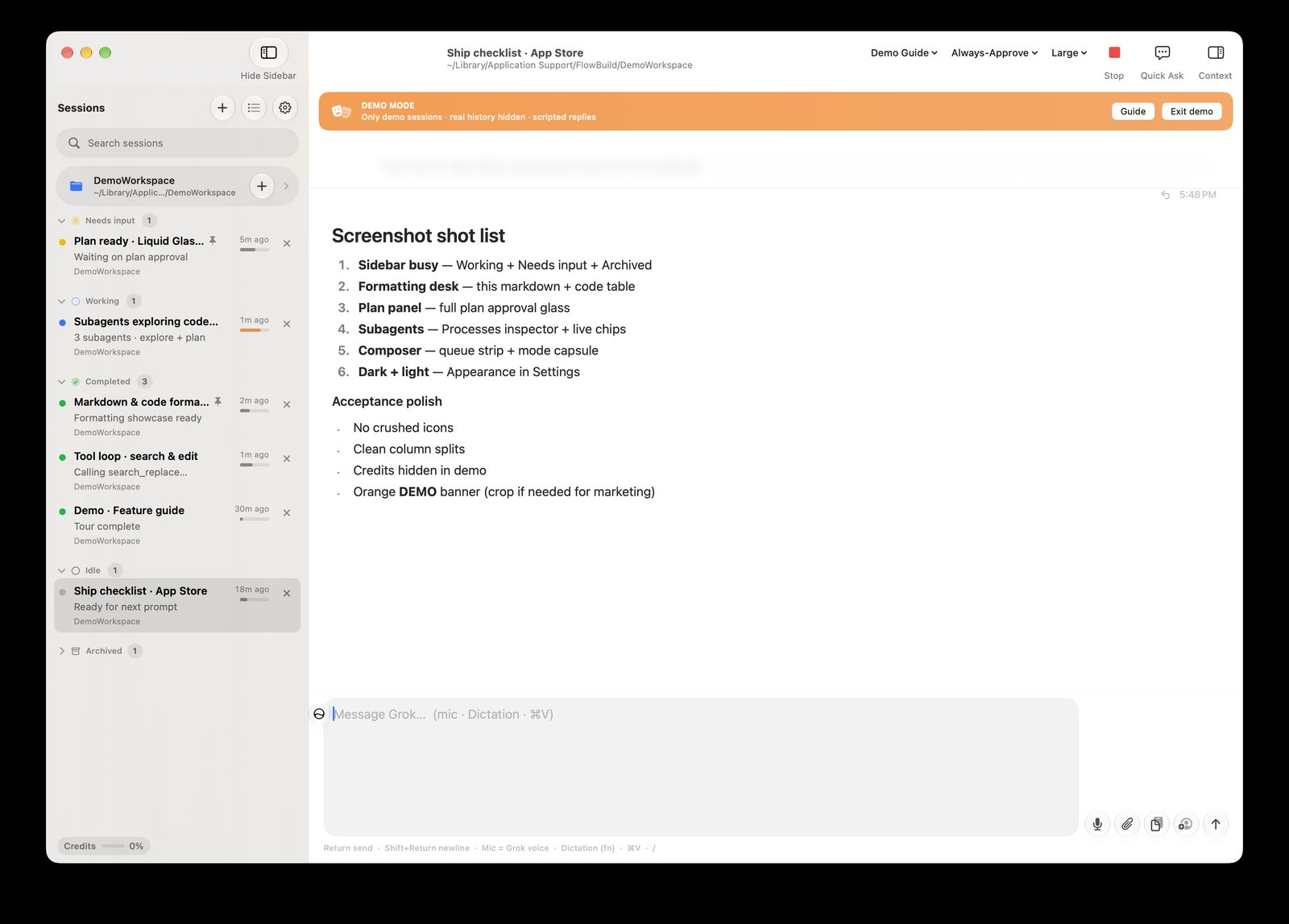
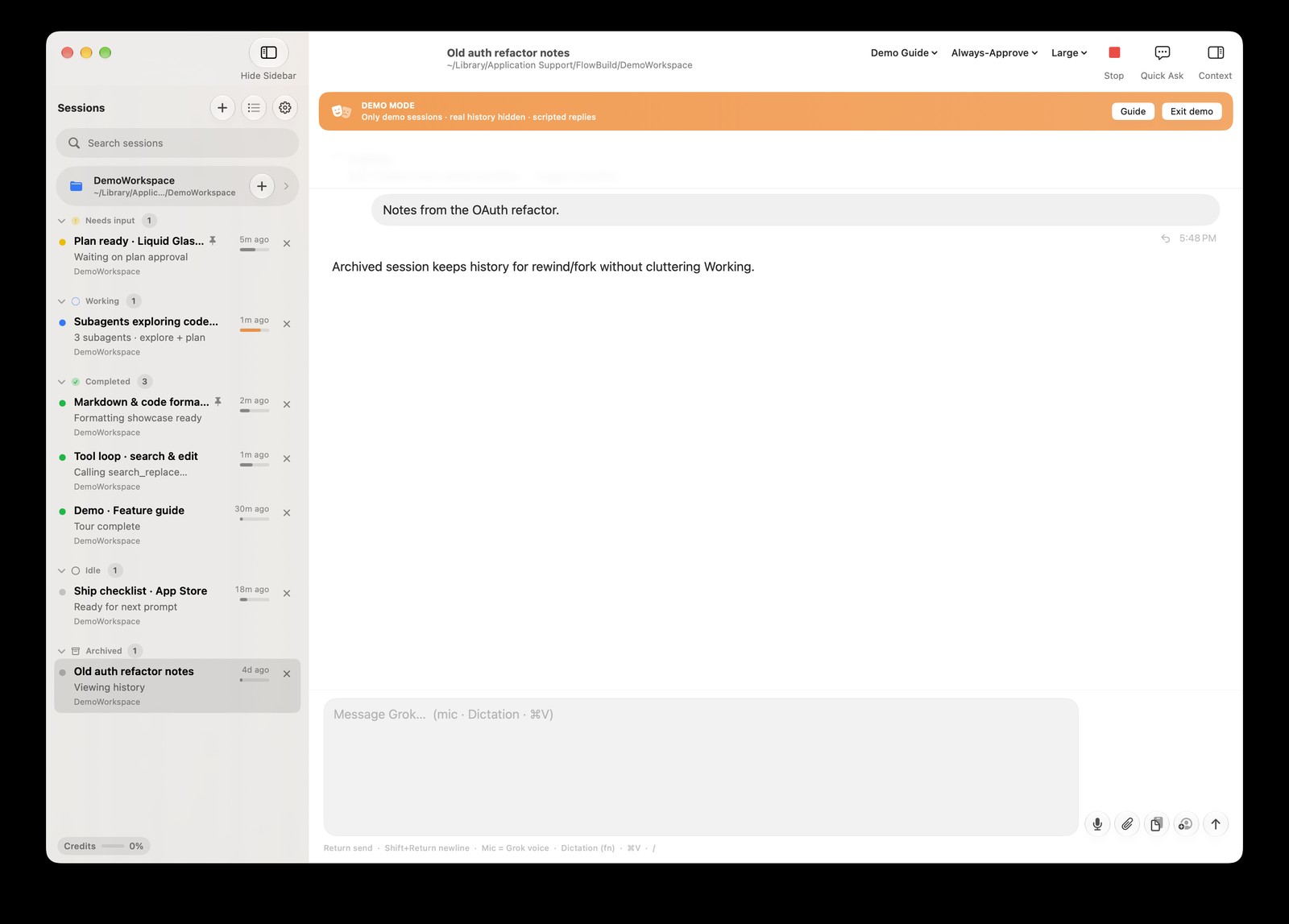
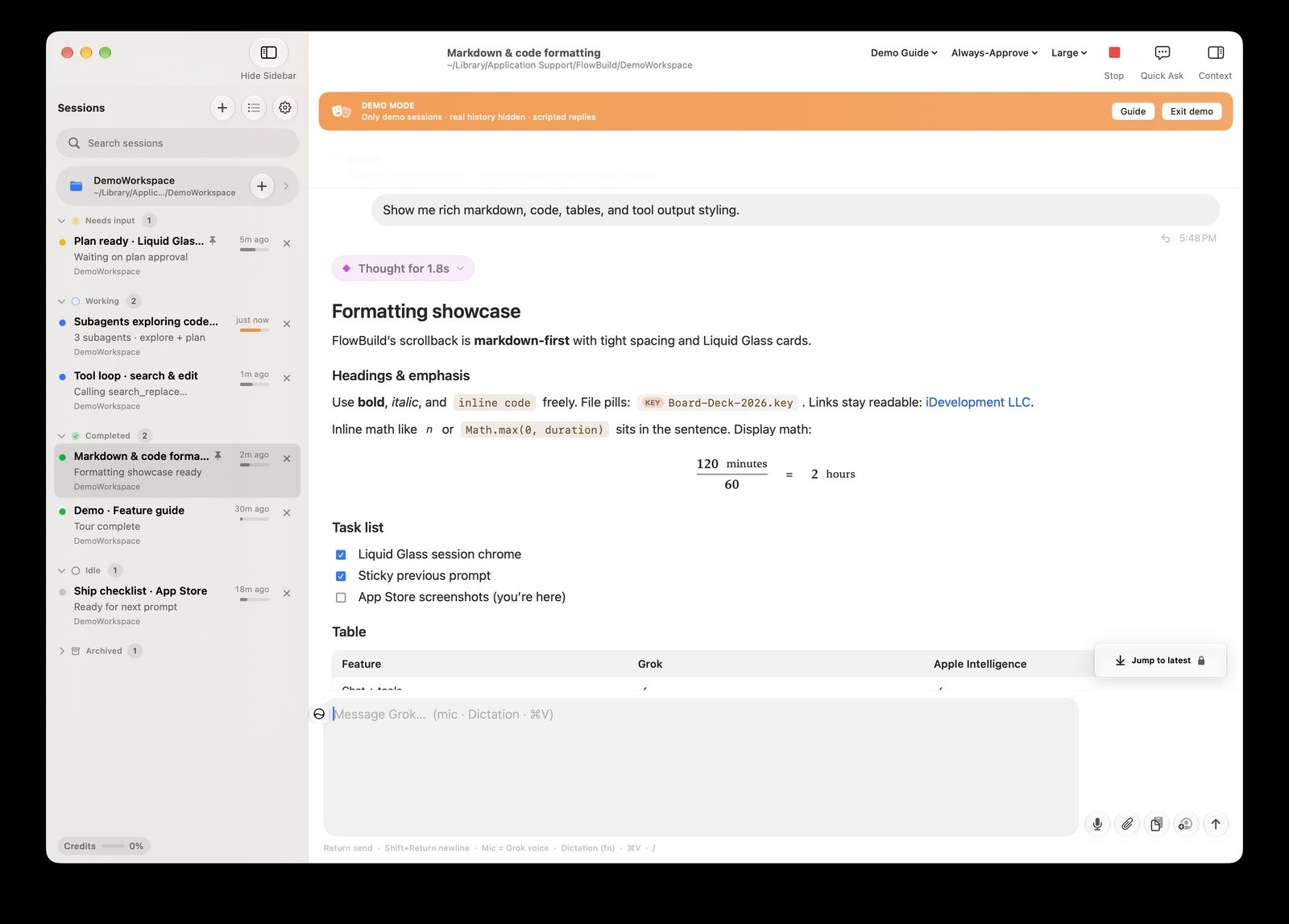
FlowBuild is a native ADE for Grok Build. Keep many sessions open. Watch tools run. Approve plans. Grant a folder and stay in control. Direct download skips the App Sandbox so terminal tools feel like a real IDE.
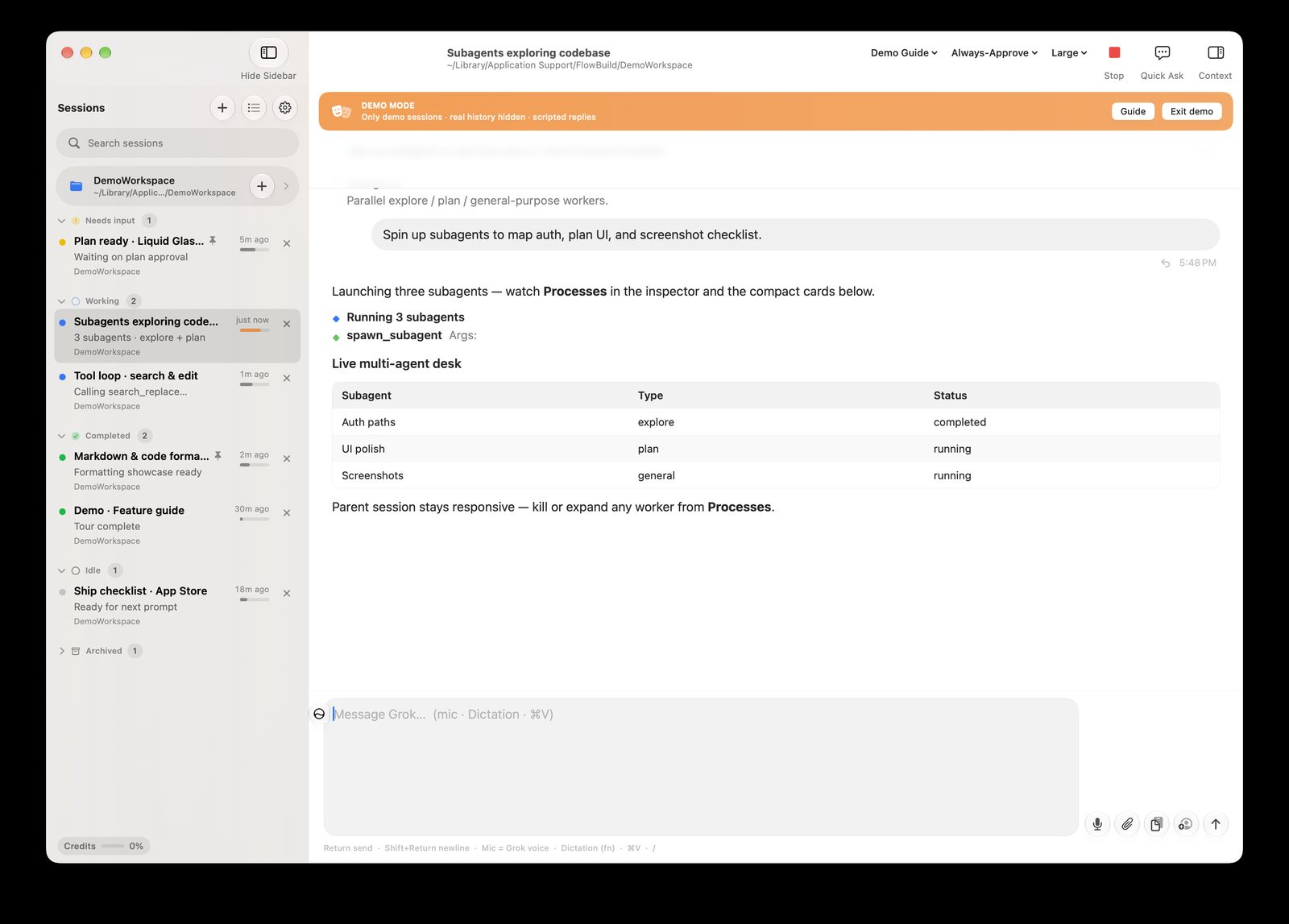
Several agents at once, with a clean dashboard.
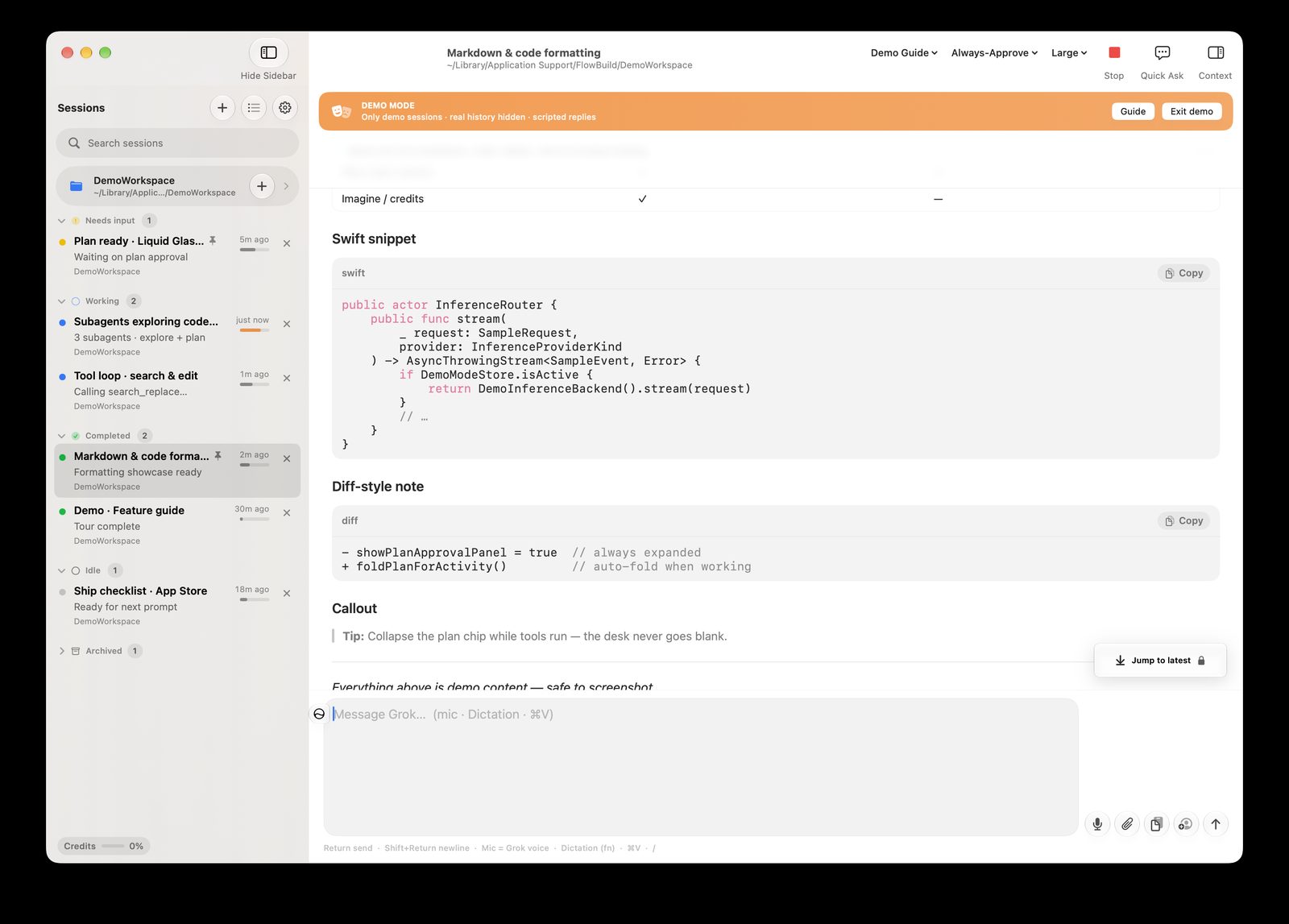
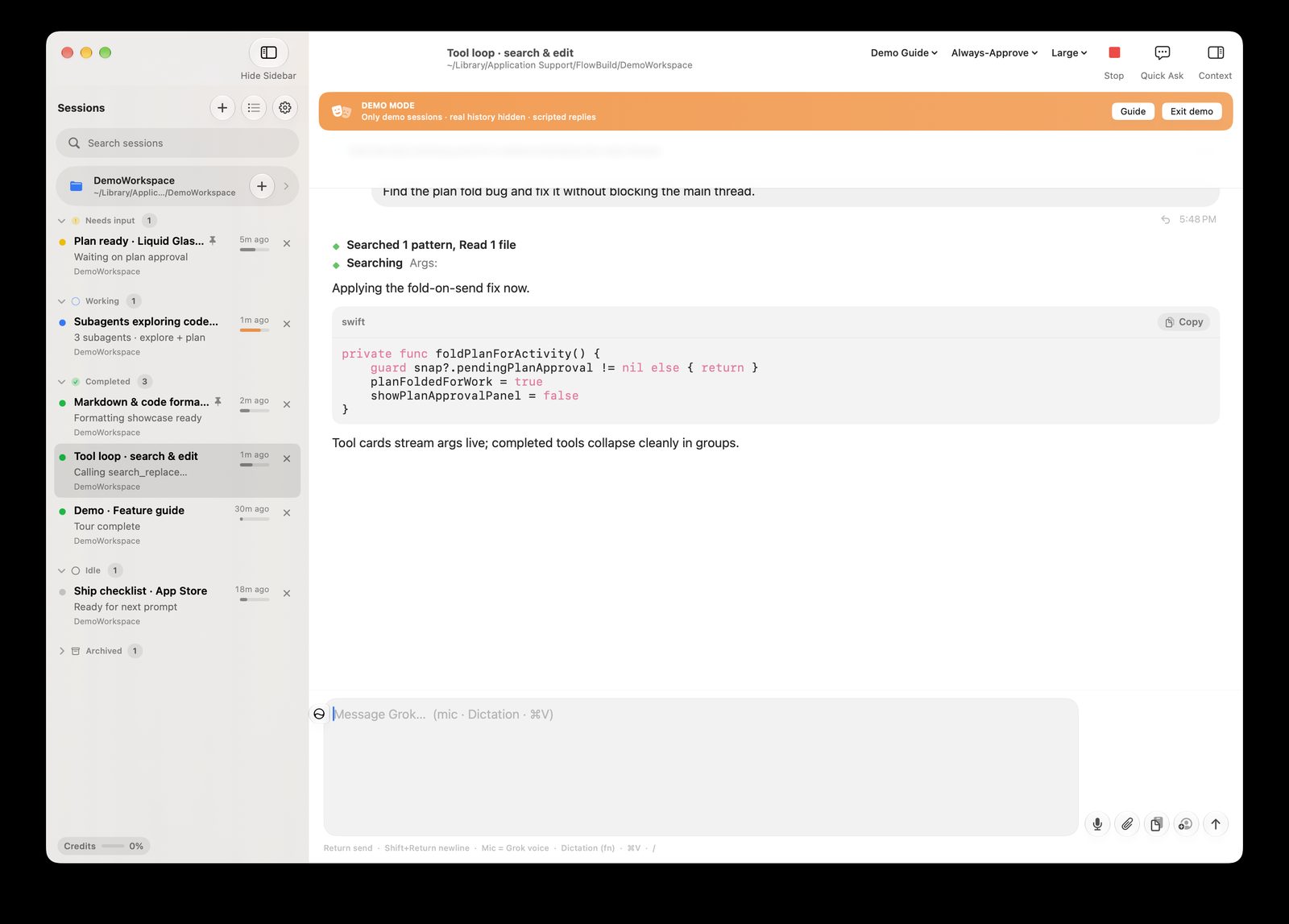
Watch the model think, edit, and run tools live.
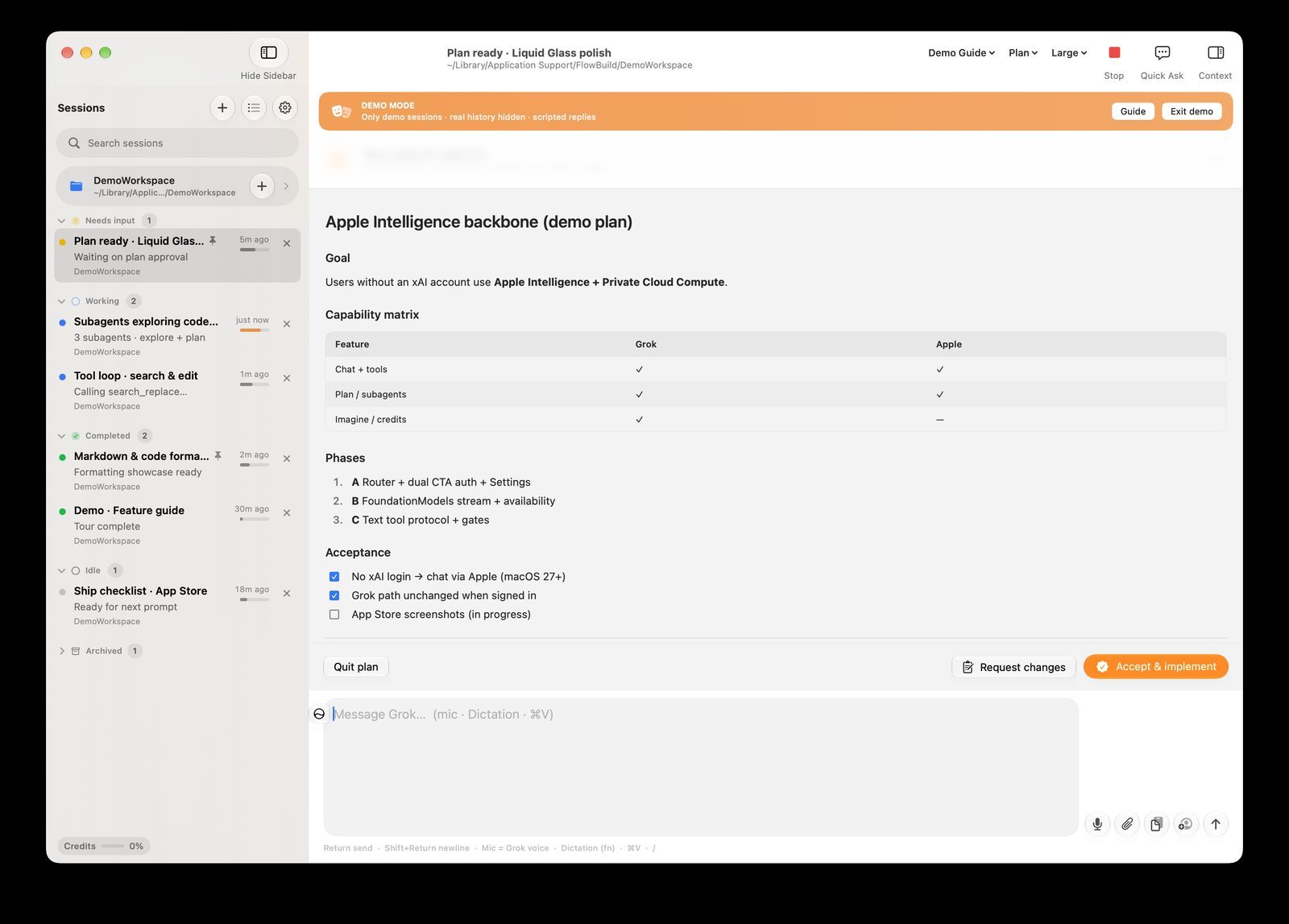
Review a plan before the agent starts changing files.
.dmg is unsandboxed. App Store is sandboxed.
Website .dmg — FlowBuild Direct. Not sandboxed. Full access so terminal tools work like a real IDE.
Mac App Store — sandboxed. File and terminal tools only work in folders you grant.
Requires macOS 26+. After download: open the disk image, drag FlowBuild to Applications, then right-click → Open the first time.
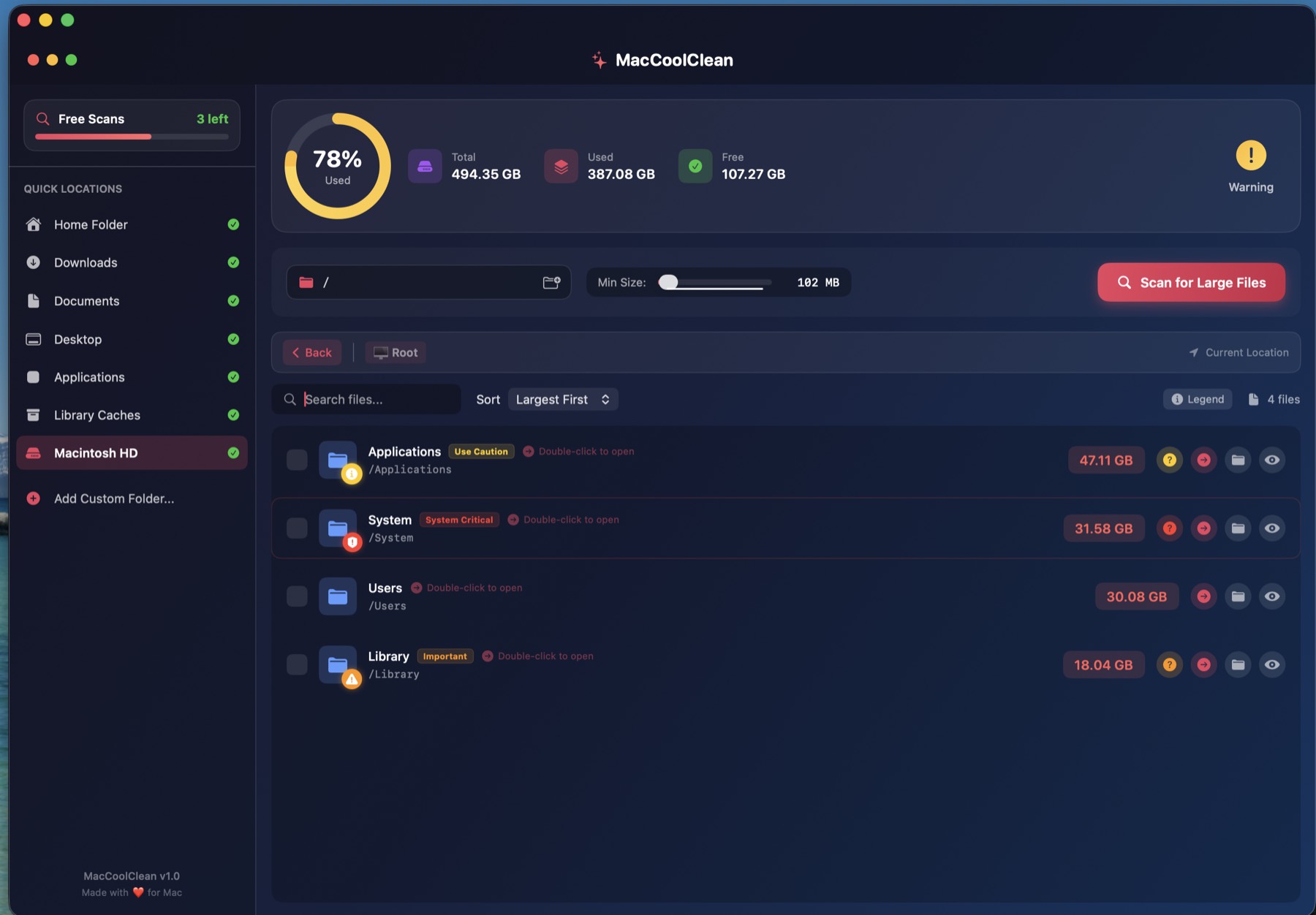
Find large files, catch duplicates, and get storage back — without leaving a native Mac app.
The smarter way to clean your Mac
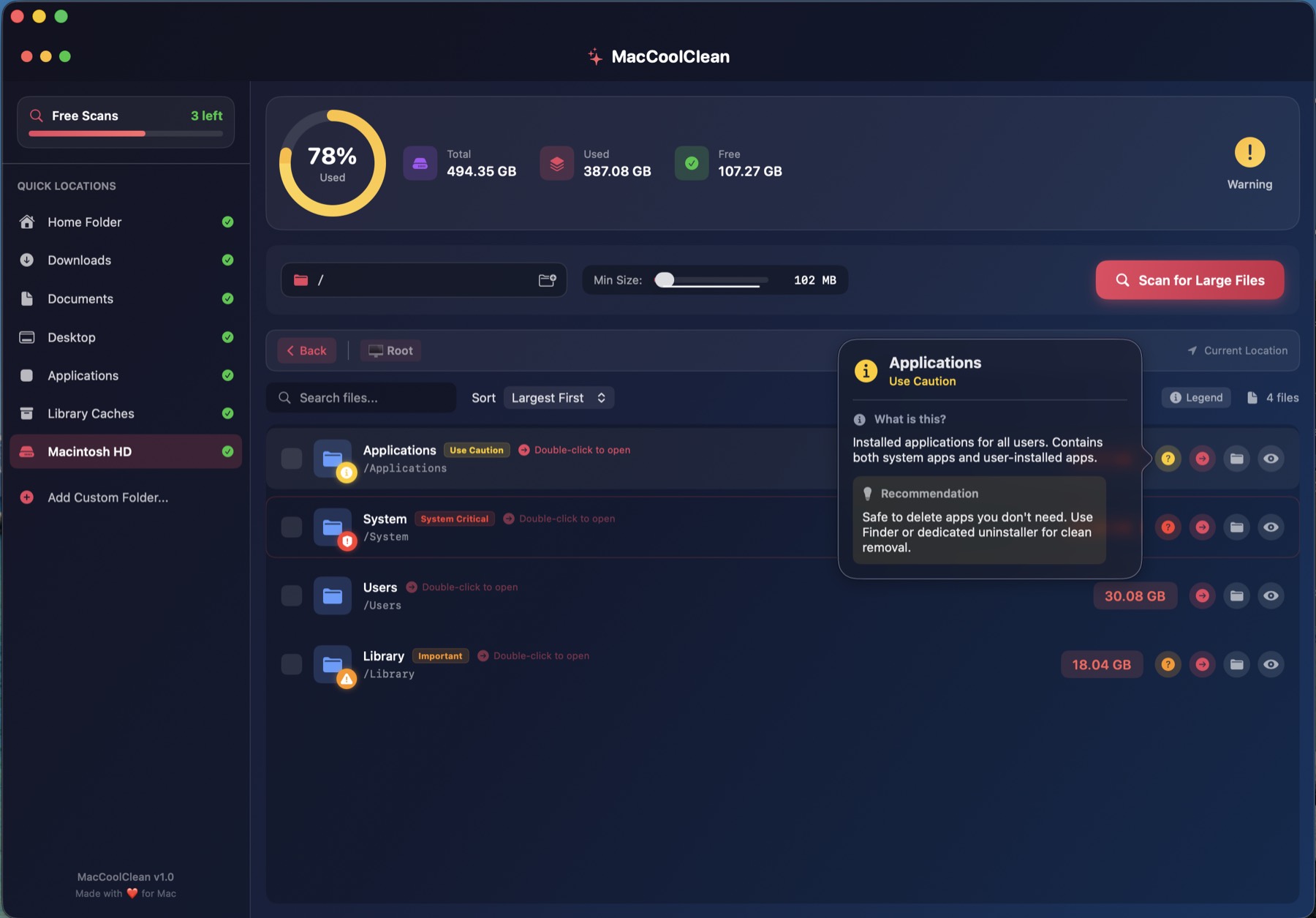
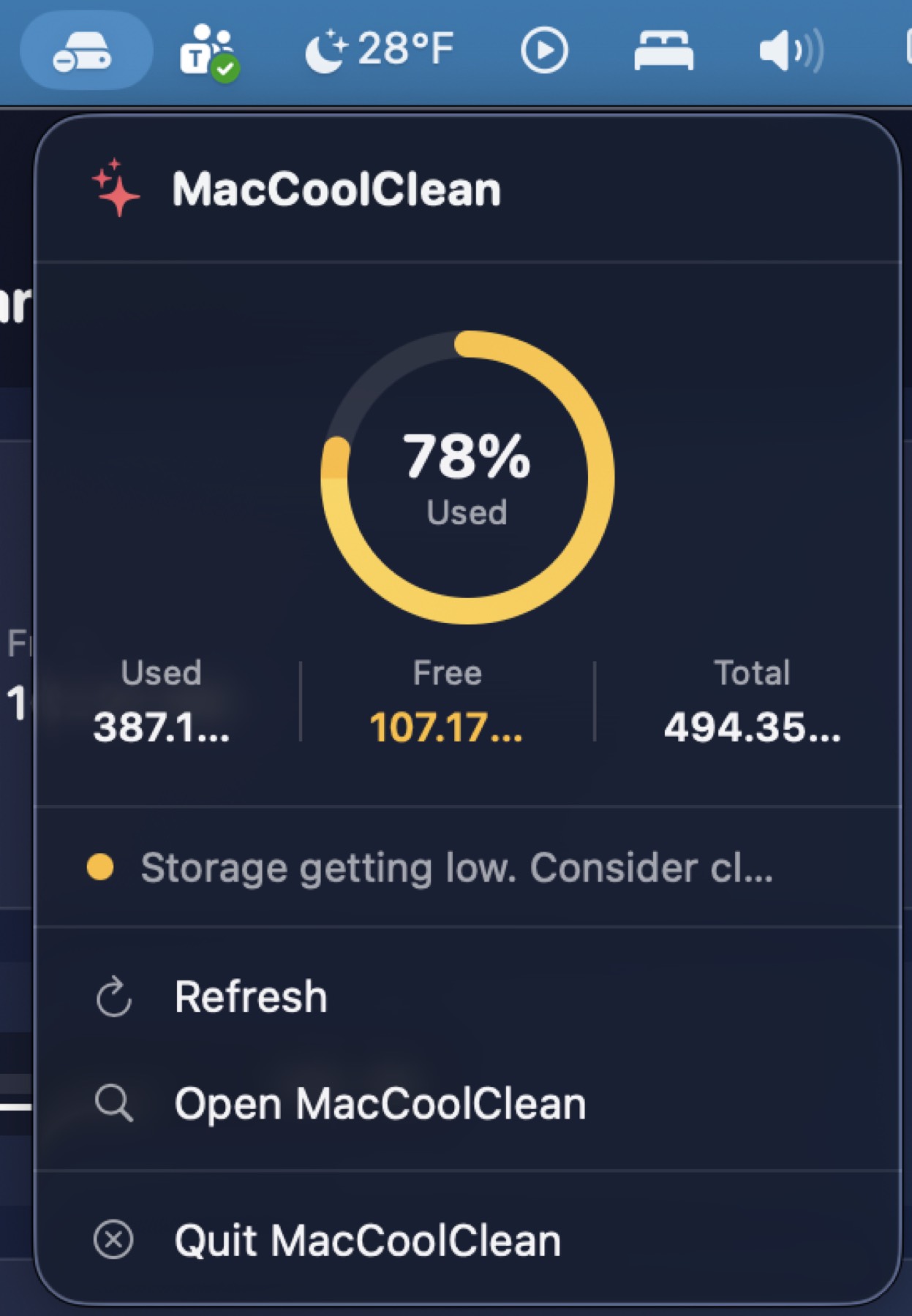
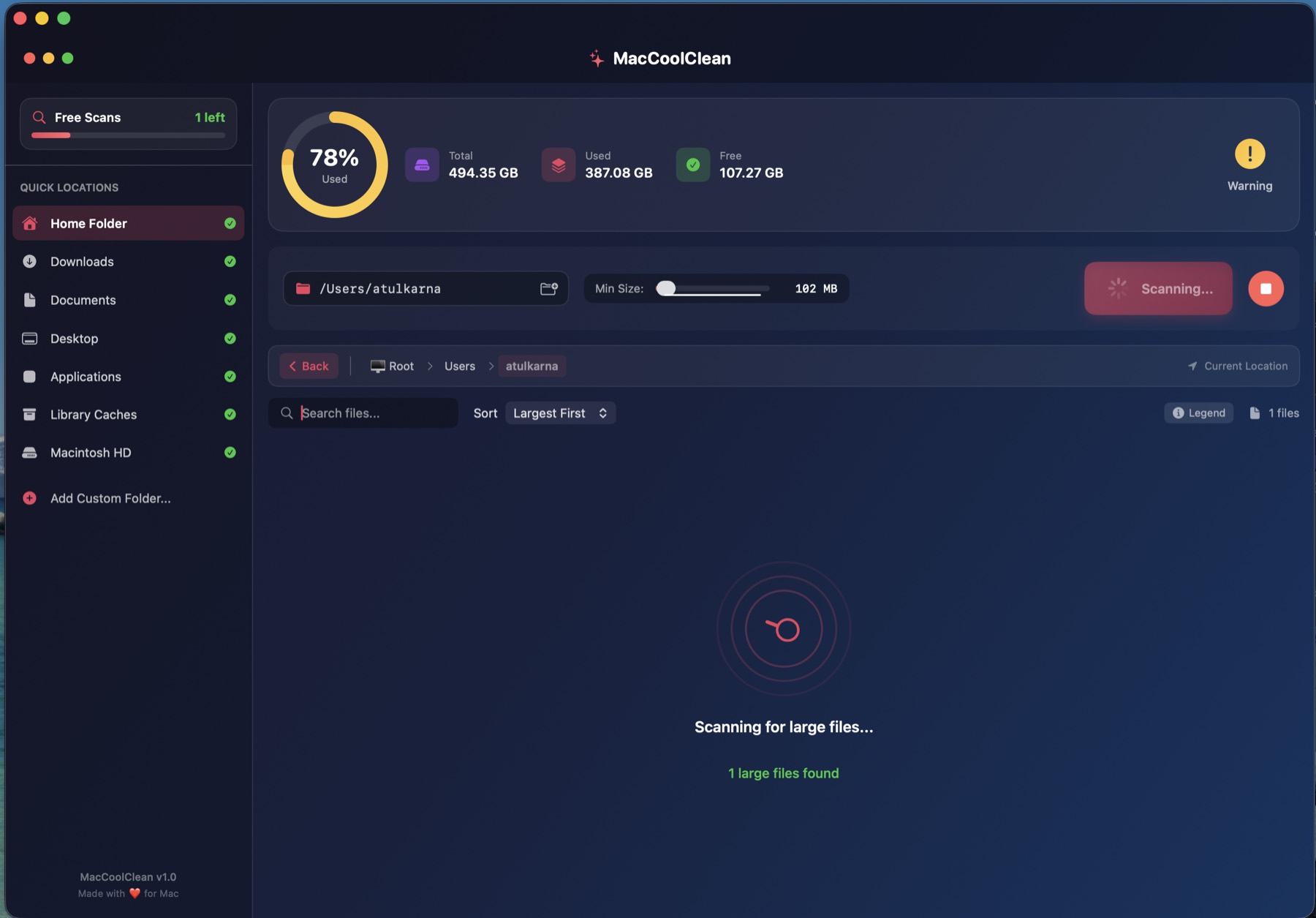
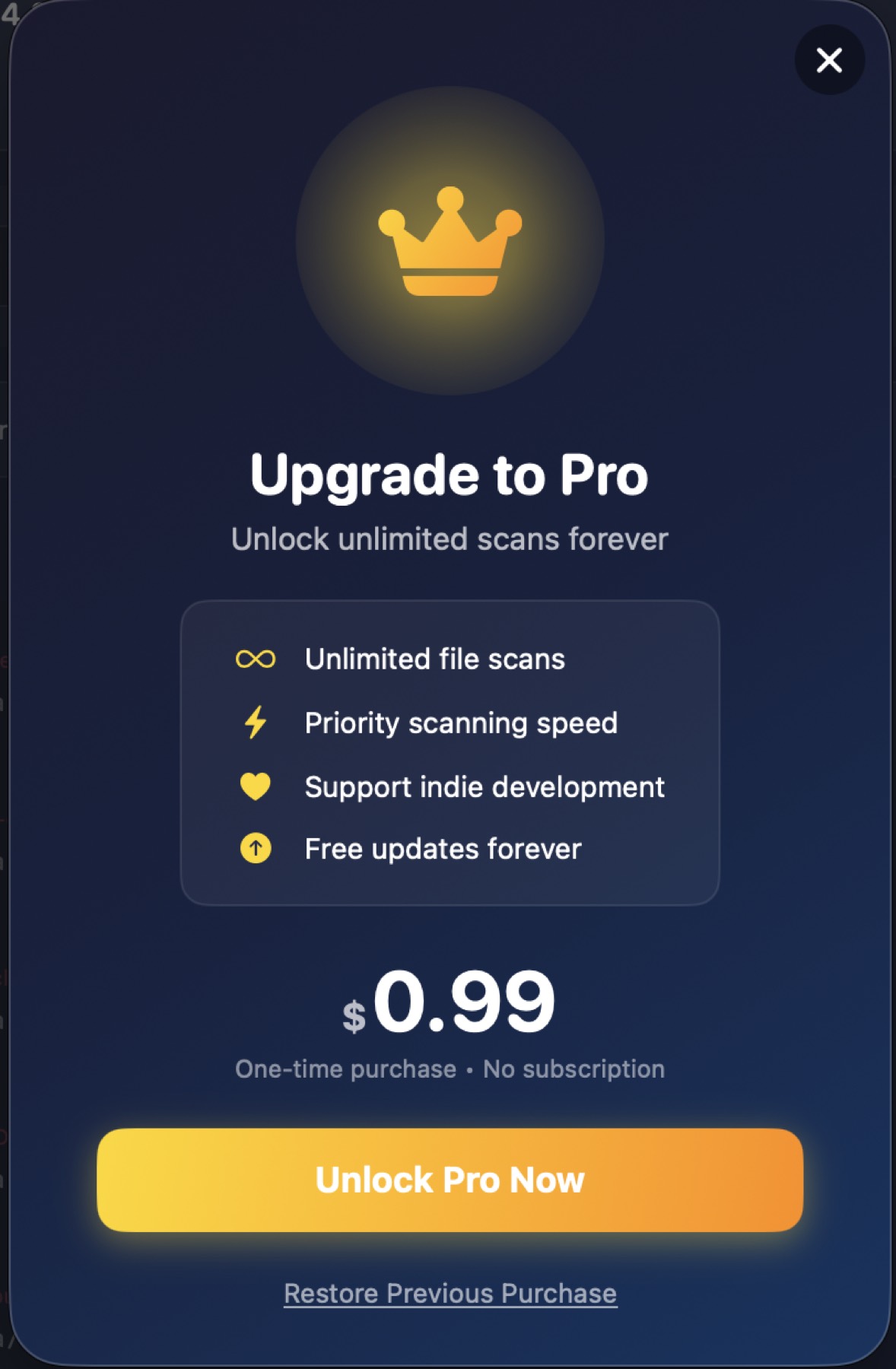
ModernClean helps you find and remove large files, detect duplicates, and reclaim storage. Built entirely with SwiftUI. Your files never leave your Mac.
See disk use at a glance.
Find what is eating space fast.
Catch copies and keep one.
Sandboxed. Local only.
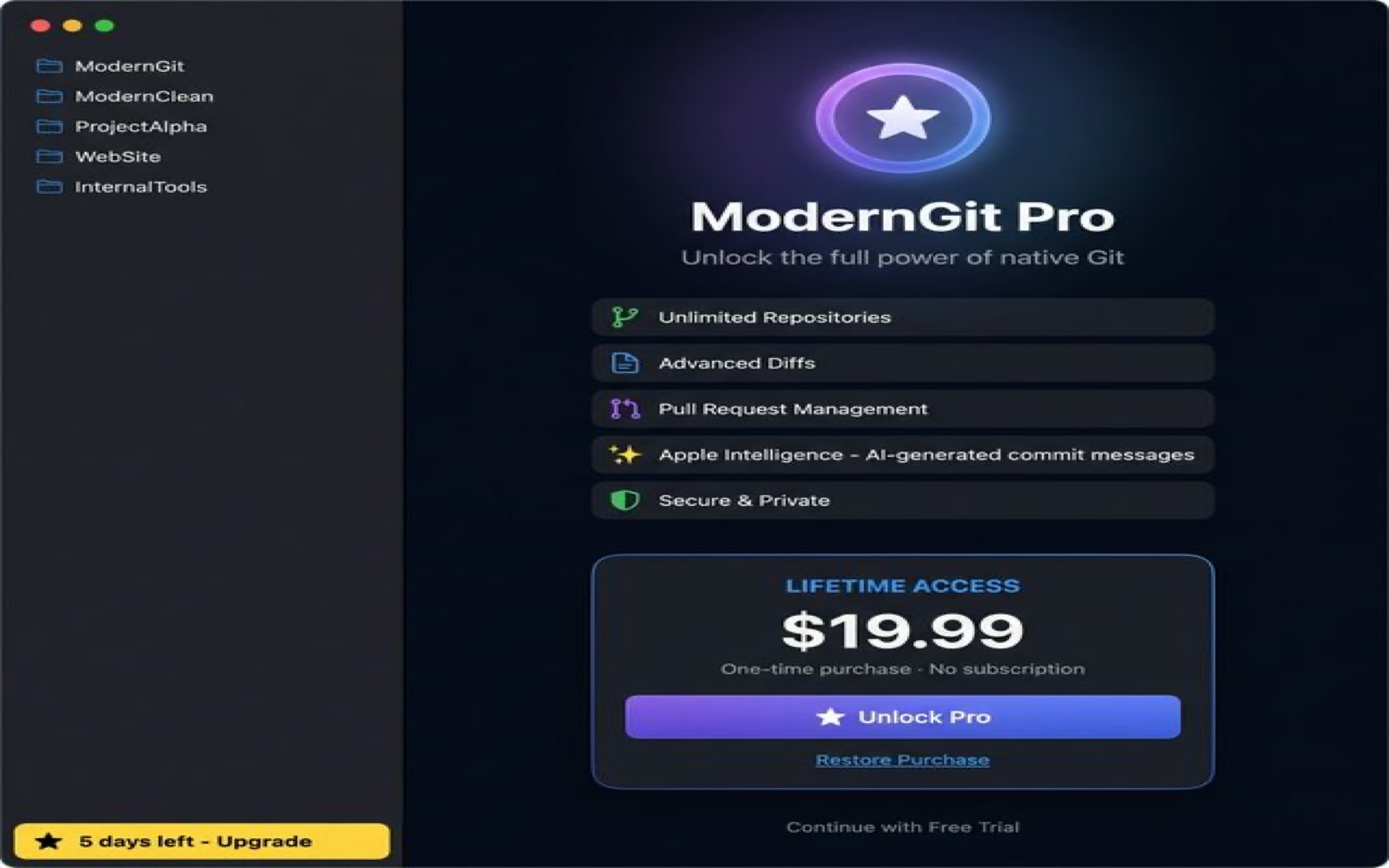
A native Git client for Mac — with Apple Intelligence for commit messages.
Git, the way it should feel on a Mac
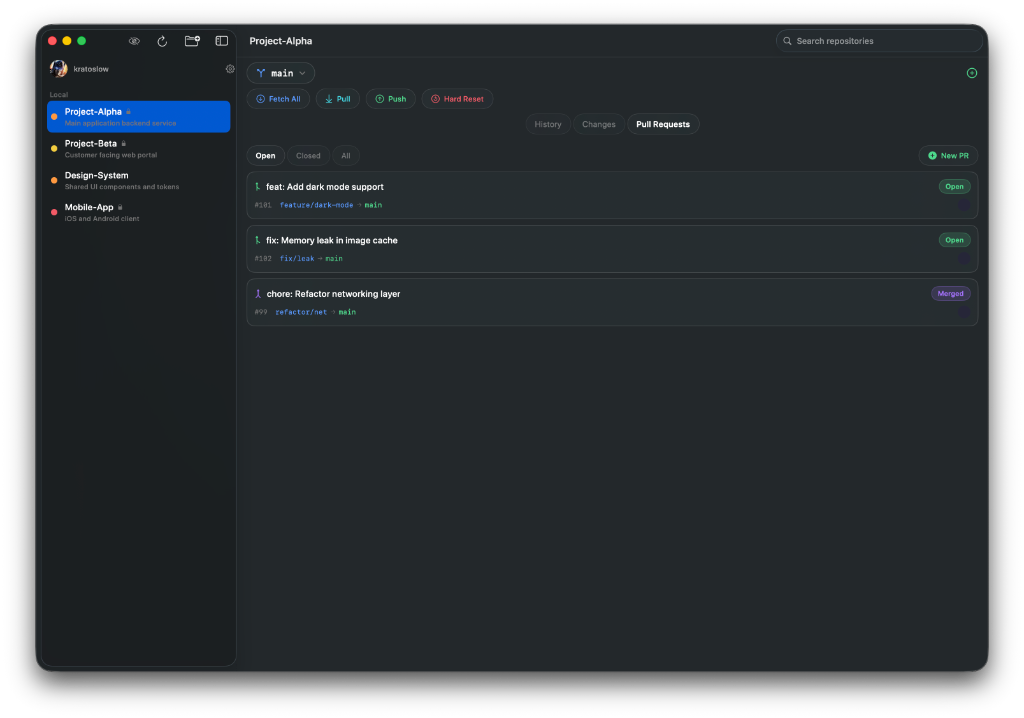
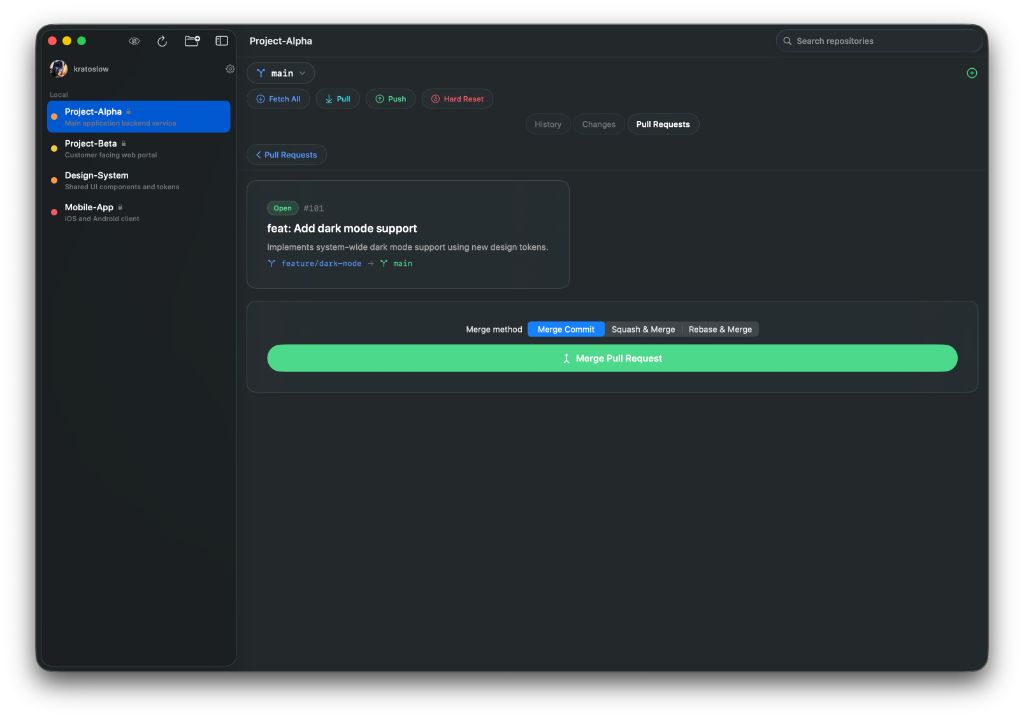
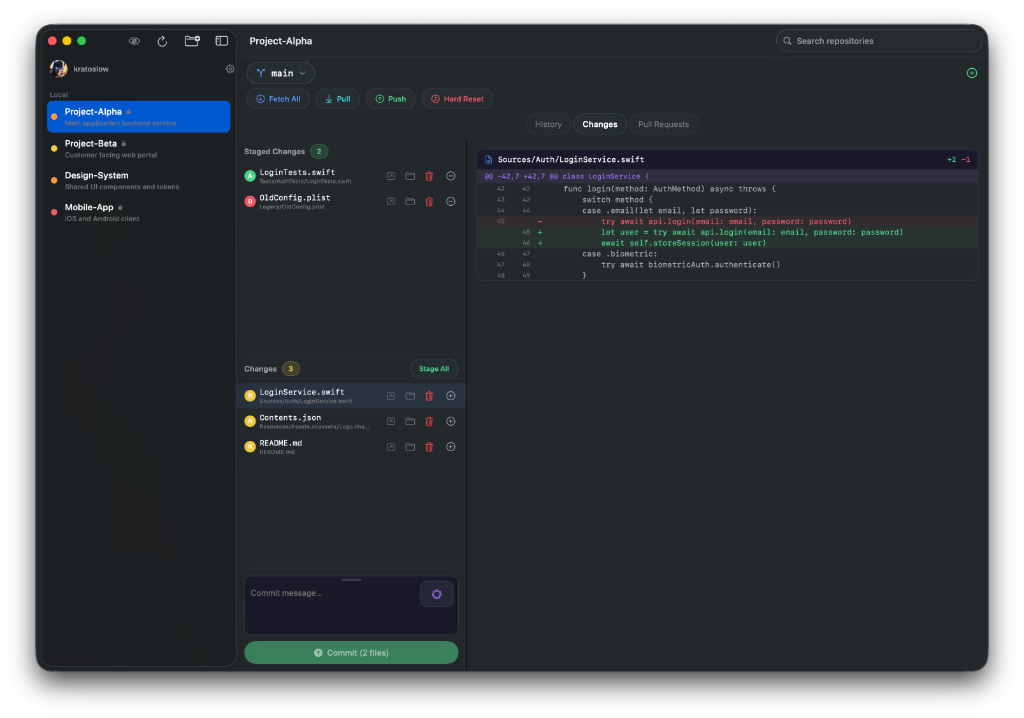
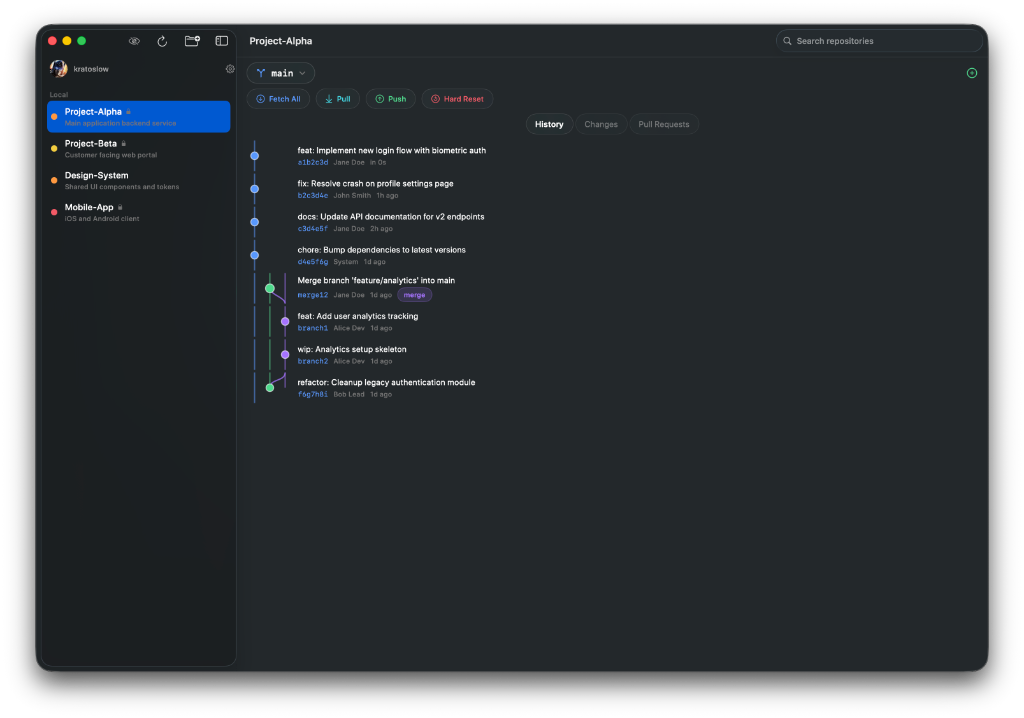
Manage repos, review pull requests, inspect diffs, and walk history in a real Mac app. Apple Intelligence can draft commit messages from your changes — on device.
Open, review, and merge without leaving.
Read and stage changes fast.
Every branch and merge on a graph.
On-device drafts from your diff.
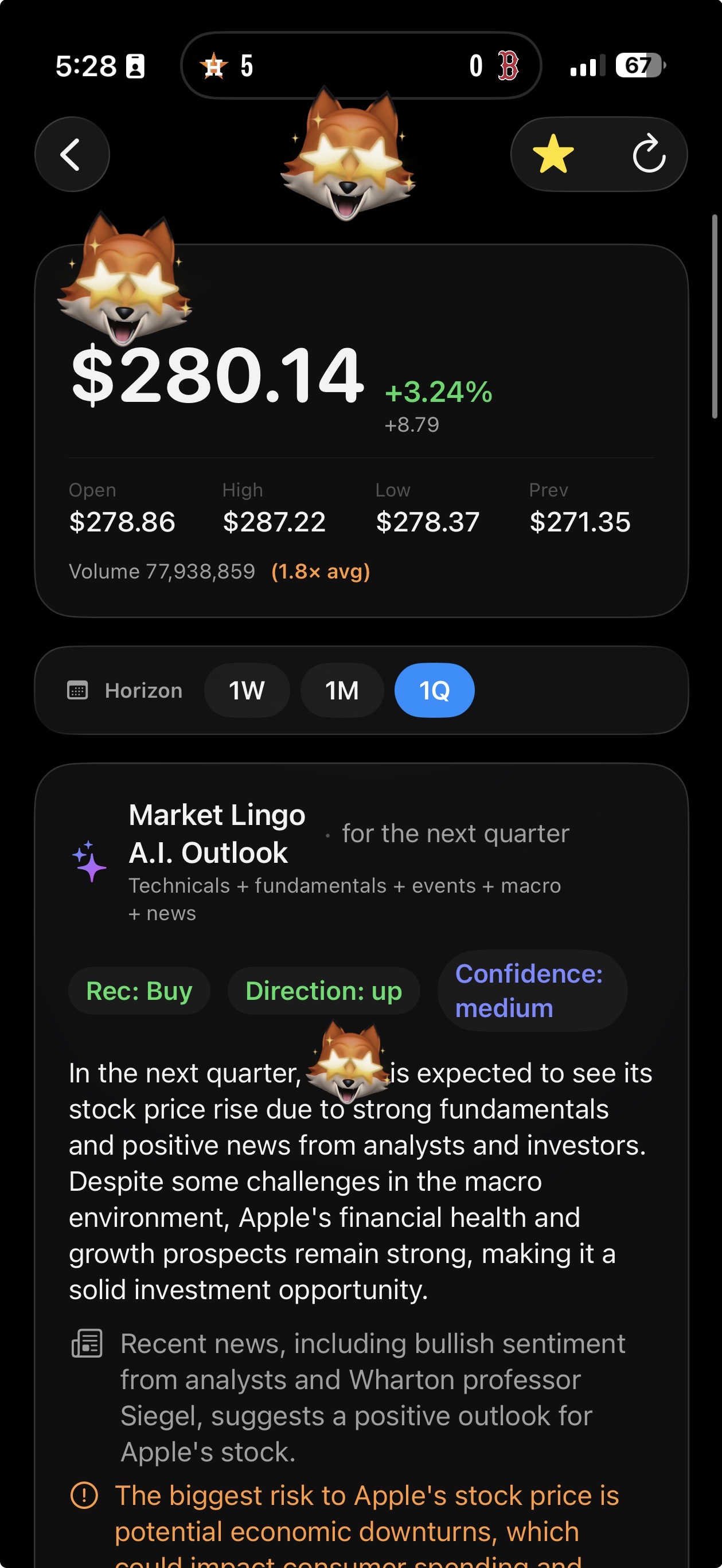
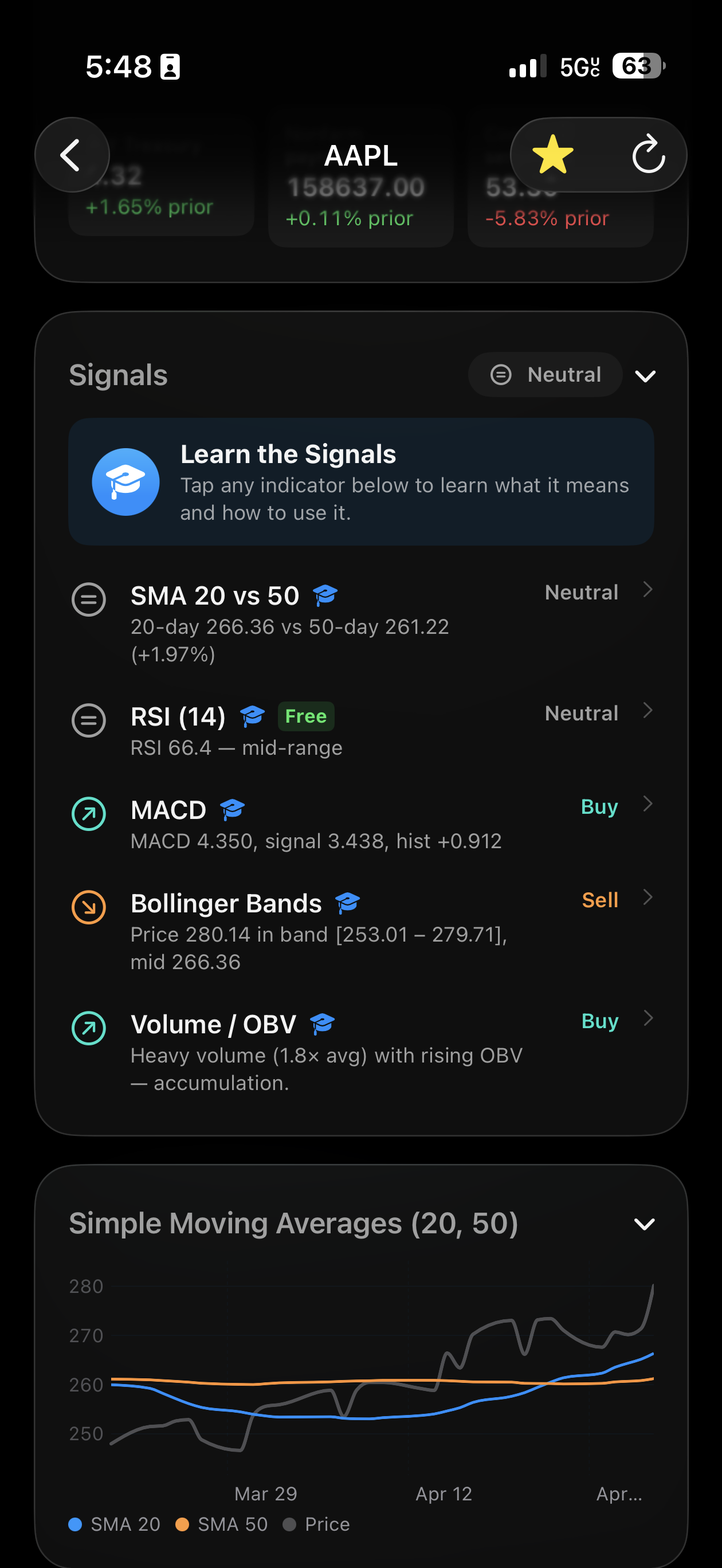
Stock analysis, projections, and lessons — powered by Apple Intelligence on your iPhone.
Understand the chart. Make it your own.
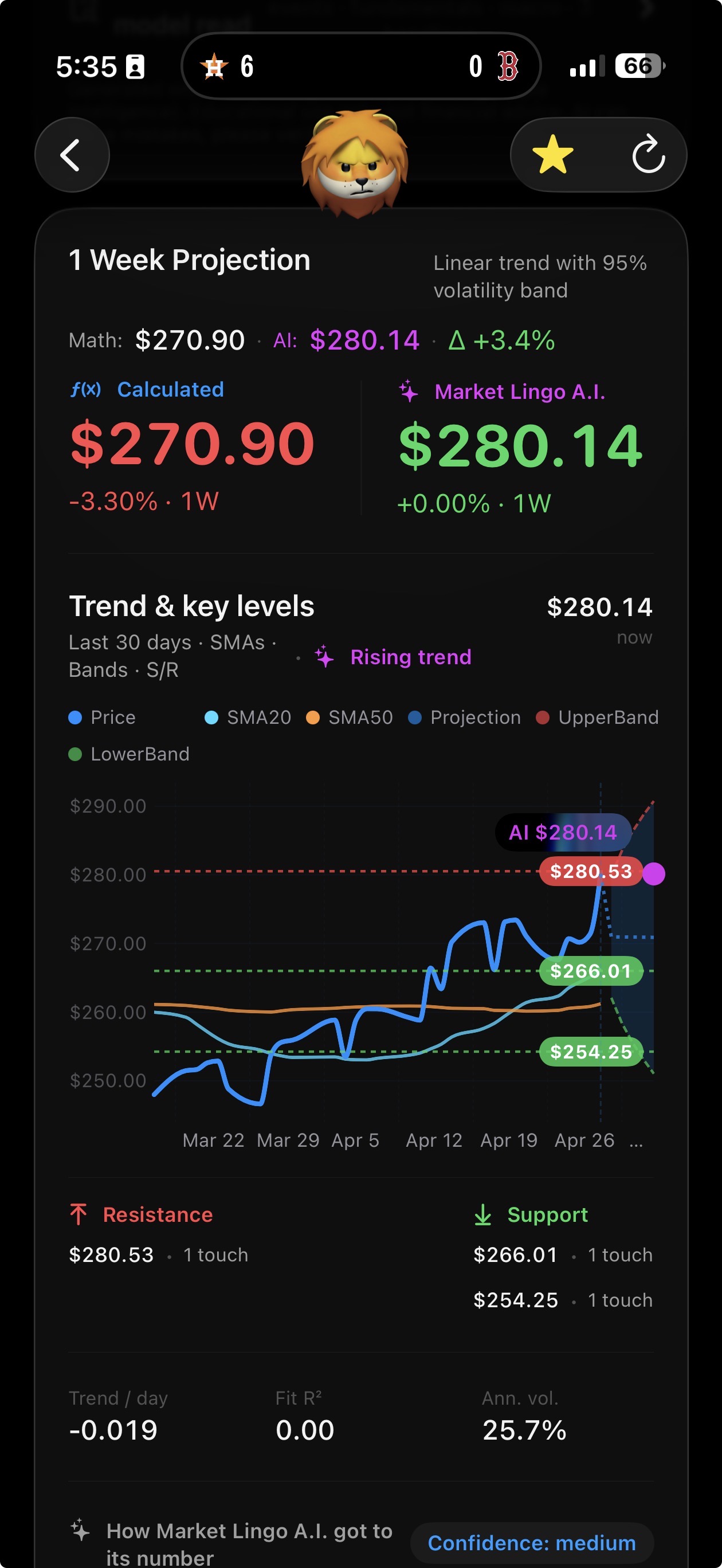
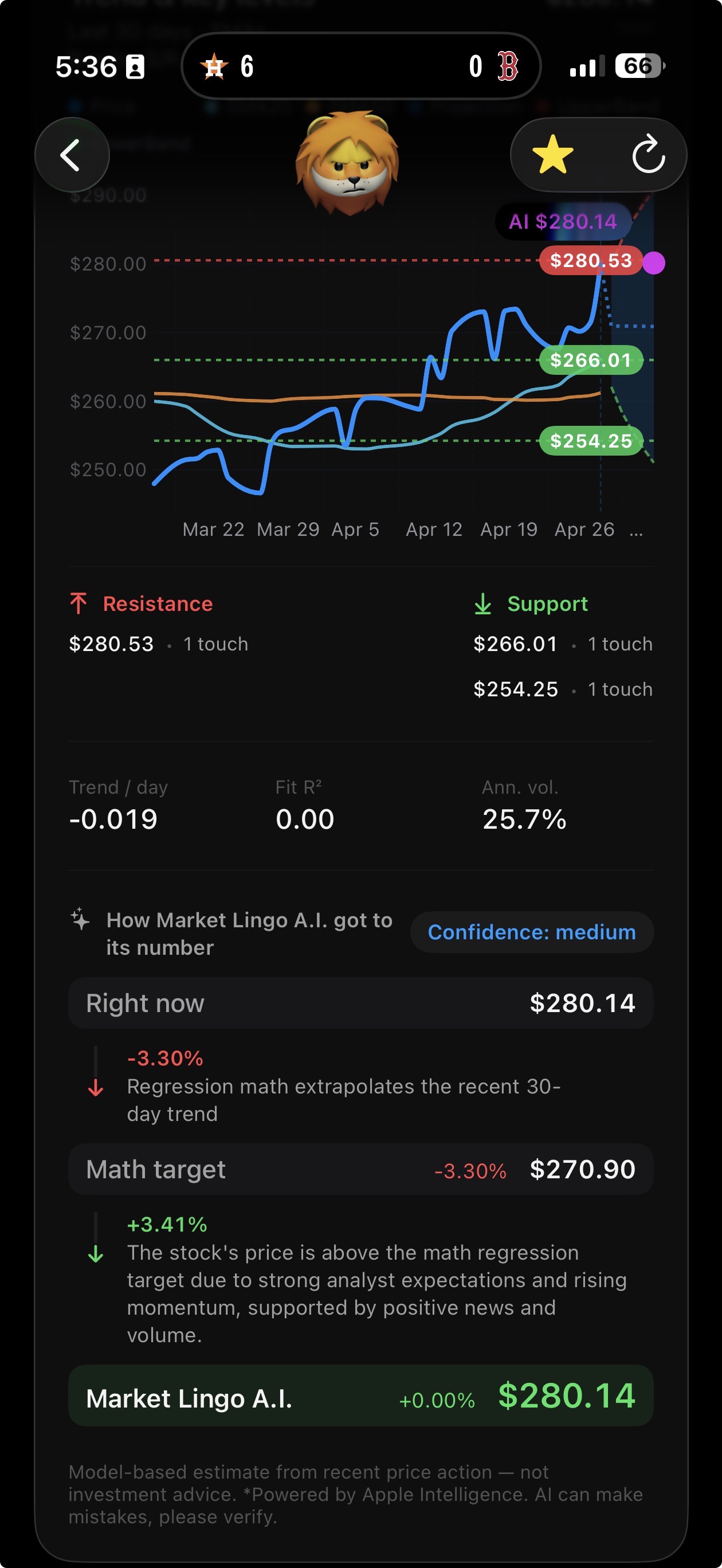
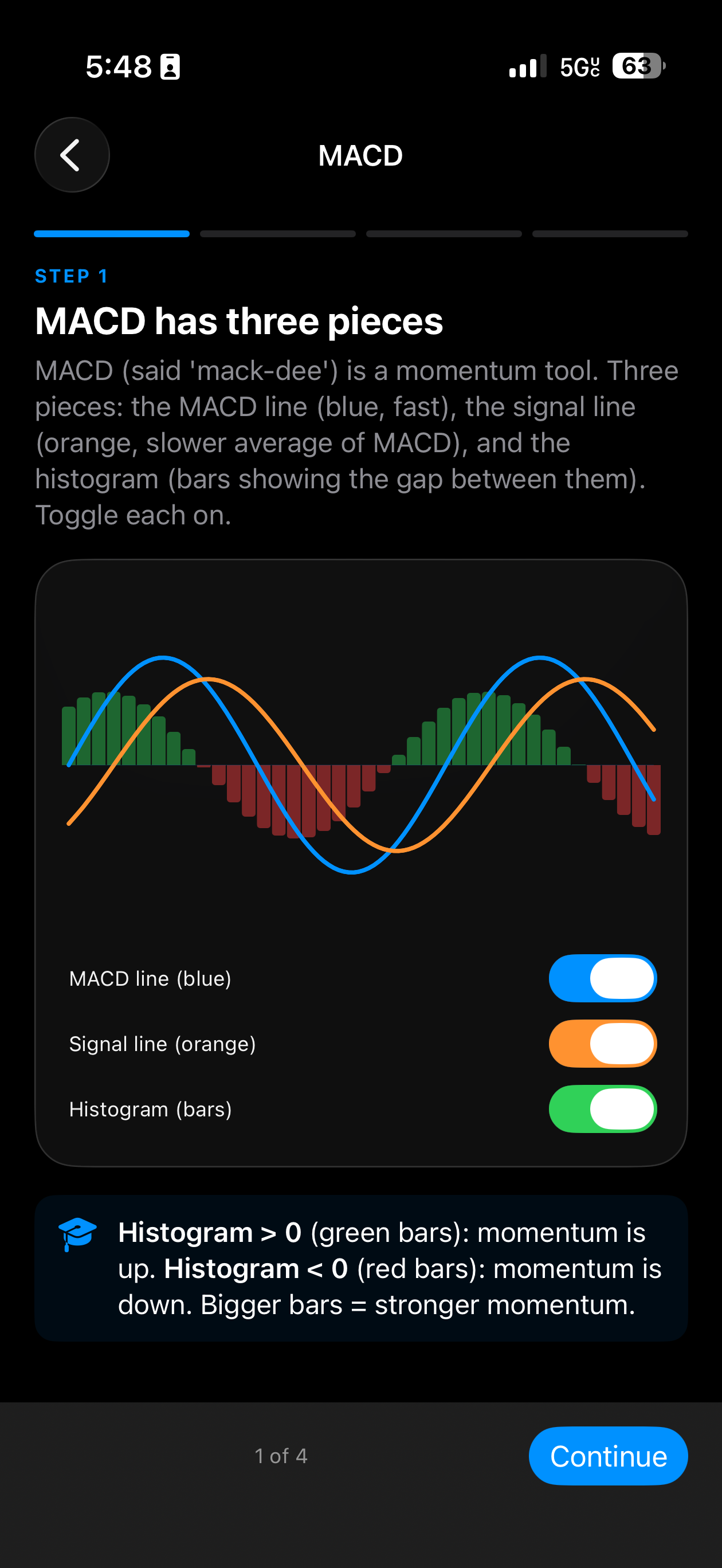
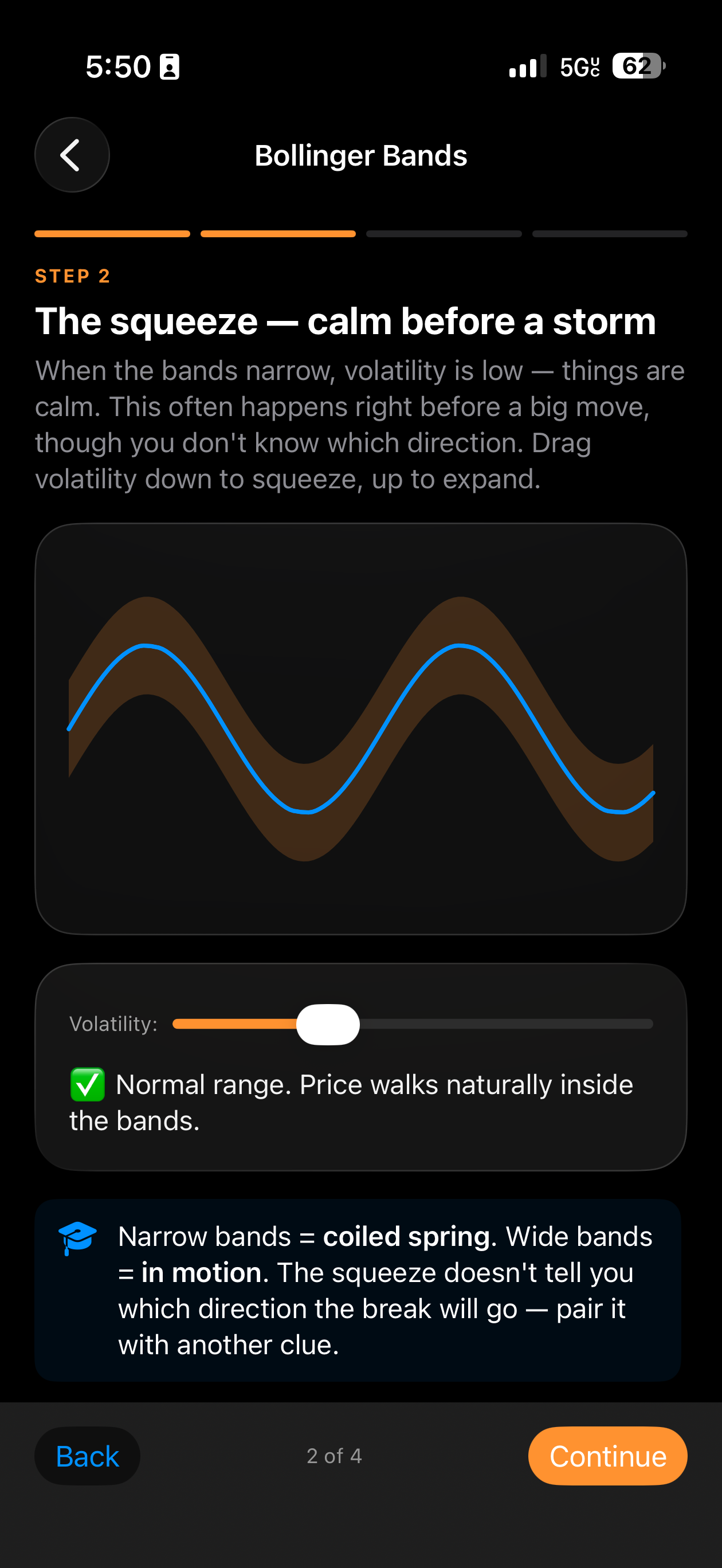
A stock companion that explains indicators, projects where price could go, and teaches you how it works. AI stays on the iPhone. Nothing about your activity leaves the device.
Direction and confidence in plain English.
Trend, support, resistance, and a target.
Learn MACD, RSI, and bands by touching them.
On-device. No accounts. No ads.
At iDevelopment LLC we make software that feels like it belongs on the device. Native. Fast. Private.
We use SwiftUI only. No cross-platform shortcuts. No Electron bloat.
import SwiftUI
@main
struct iDevelopmentApp: App {
var body: some Scene {
WindowGroup {
ContentView()
}
}
}
Support, feedback, or just hello — write anytime.
Email us at[email protected]